We map the whole business, then connect what you keep.
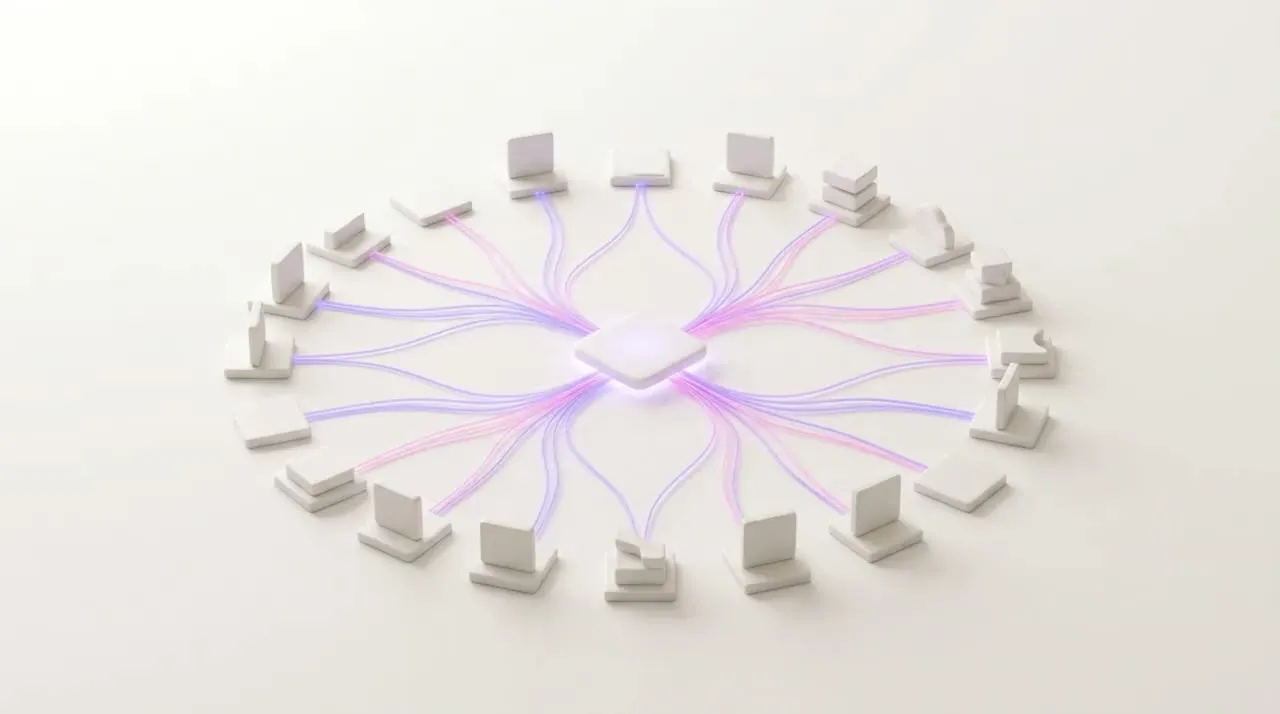
How we decide what stays and what is rebuilt.
People retype in the gaps between systems, so we map every part of the work on site first. A system that already does its job, and that other people rely on, stays and connects to the Foundation. Work redone by hand each week, or kept in one person's head, is rebuilt inside it.
What we map on site
Jobs
Who books each job, and where the job card actually lives.
Stock
What gets counted, where the count is kept, and who hears when a line runs low.
People and hours
How hours are written down on the floor, then typed again before payroll.
Customers
Where enquiries arrive and where each customer's history is kept.
Money
How a quote turns into an invoice, and how each payment is matched to it.
Documents and approvals
Where certificates and contracts are filed, and who says yes to what.
Messages
The emails and WhatsApp groups that carry all of it between people.
Kept and connected
- A stock or ERP system that already holds the counts the business trusts.
- The staff clock, when it already records each clock-in the floor makes.
- The accounting package, because the books and the bookkeeper rely on it.
- The WhatsApp line and the inbox your customers already write to.
Rebuilt inside the Foundation
- Jobs booked in a WhatsApp group, as one calendar the office and floor share.
- Hours on paper, entered once on the floor and checked before payroll.
- Sign-offs given in passing, asked for in the system with who said yes.
- The Monday spreadsheet, as a report that fills in while the week happens.
Customers keep writing on the WhatsApp line, and the bookings they make there land on one calendar. These are examples: the map of your business settles which is which, and the written scope names both.
Five kinds of system, read from one place.
The Foundation connects to the systems your business runs: the day's operations, your people, money, files and messages. What already works stays where it is.
Operations
Puts job cards, bookings, stock, orders and customers in one place the office and the floor both read.
Connects to- Jobs and bookings
- Stock and orders
- CRM
People
Reads clock-ins from the staff clock and gathers the hours your payroll run needs.
Connects to- Staff attendance
- Payroll
Accounting and ERP
Reads invoices, payments and customers from the package your bookkeeper already uses.
Connects to- Xero
- Sage
- SAP Business One
- Syspro
Files
Reads documents and spreadsheets into the record, so the Monday report stops being rebuilt by hand.
Connects to- Documents
- Spreadsheets
Messages
Attaches email and WhatsApp threads to the customer and the job they belong to.
Connects to
NORION is independent and is not affiliated with or endorsed by the makers of these systems. Product names belong to their owners.
It reads, and writes back where the system allows.
A connection joins the Foundation to one system you keep, so an item, a count or an order exists once, whichever screen your team opens.
Stock and orders
Stays where it is
- Items
- Counts
- Orders
spend:
waits for
your yes
The Foundation
One record
- ItemsIn sync
- CountsIn sync
- OrdersIn sync
Keeps in step
When something changes in a system you run, the Foundation reads the change, so both sides show the same figure.
Waits for your yes
Anything that moves money waits for your yes before it is written back, and the approval stays on record.
Every system feeds one record.
The Foundation keeps one record across every system it connects to. Reports, approvals and dashboards draw from that record, so the Monday numbers come from the same place as the invoice.
- Open jobFrom Jobs and bookingsThu, 09:00
- Parts on orderFrom Stock and orders6 lines
- Hours on the jobFrom Staff attendance6.5 hours
- Next follow-upFrom CRMFri, 10:00
- Balance owingFrom Accounting$3,650
- Signed quoteFrom DocumentsOn file
- Latest emailFrom EmailDelivery query
- Latest messageFrom WhatsAppConfirmed, Thu
Illustrative screen. Not client data.
The agents read the same figures you do.
Your proposal names every system in scope.
A quoted scope in writing: it names each system we keep and connect, the work we rebuild inside the Foundation, a price and a date, before anything is built.
Mapped on site first
We walk the operation and map how it runs, and every system in it, before we write the scope.
One figure, in writing
We quote one figure for your business, in writing, after we have seen how the operation runs.
Systems in scope
- Stock spreadsheetHolds Items and countsPlan Rebuilt inside
- Staff clockHolds Clock-insPlan Kept, connected
- Accounting packageHolds Customers, invoices, paymentsPlan Kept, connected
- Shared inboxHolds EnquiriesPlan Kept, connected
- WhatsApp lineHolds Customer messagesPlan Kept, connected
What we build
Price and date
- Price
- Date
What owners ask before we connect anything.
These answers cover the systems you keep, the WhatsApp line, messy data and systems not on our list, before anything is connected. If your question is not here, bring it to the first call.
Keep them. We map how the business runs before we quote, and anything that already does its job stays and connects to the Foundation: the stock system, the staff clock, the accounting package, the WhatsApp line. What changes is the work between them: the retyping stops, and the Monday spreadsheet becomes a report that fills in as the week happens.
No. Your team and your customers keep the WhatsApp line they use today. The Foundation connects to it and attaches the threads to the customer and the job they belong to, so the detail sits on the record instead of in one person's phone.
It will be, and the system will show it. We map what each source holds before we connect it, so a customer saved twice under two spellings becomes one customer in the Foundation. Better to find the gaps at the start than at month-end.
Name it on the first call. We look at what it holds before we quote, and your proposal names every system we will connect. If we cannot connect one, the proposal says so plainly, in writing, before any work starts.
No. NORION is an independent company and is not affiliated with or endorsed by Xero, Sage or any other maker named on this page.